
Walk the property with your phone. Get the report automatically.
Guided video walkthroughs generate entry, routine and exit condition reports, timestamped, room by room.

LORDLY turns a phone walkthrough into a proper condition report. A guided video capture runs room by room, and LORDLY generates entry, routine and exit reports automatically, timestamped and structured, then schedules routine inspections to your state’s cadence so they are never missed and always ready to send.
The walkthrough does the writing
Instead of typing notes on a clipboard, you follow a guided capture on the phone, room by room, and LORDLY assembles the condition report from it: structured, timestamped, and with the imagery attached. Entry, routine and exit reports all come from the same simple motion.
Never missed, always on cadence
Routine inspections have to happen on a schedule that varies by state. LORDLY tracks the cadence for every tenancy and prompts you when one is due, so inspections stay compliant and consistent across the whole portfolio.
Evidence that holds up
Timestamped, room-by-room condition reports are exactly what you need at a bond dispute or exit. Because they are generated at entry and exit from real capture, the before/after comparison is clean and defensible, ready to send in a tap.
Exactly where it lives.
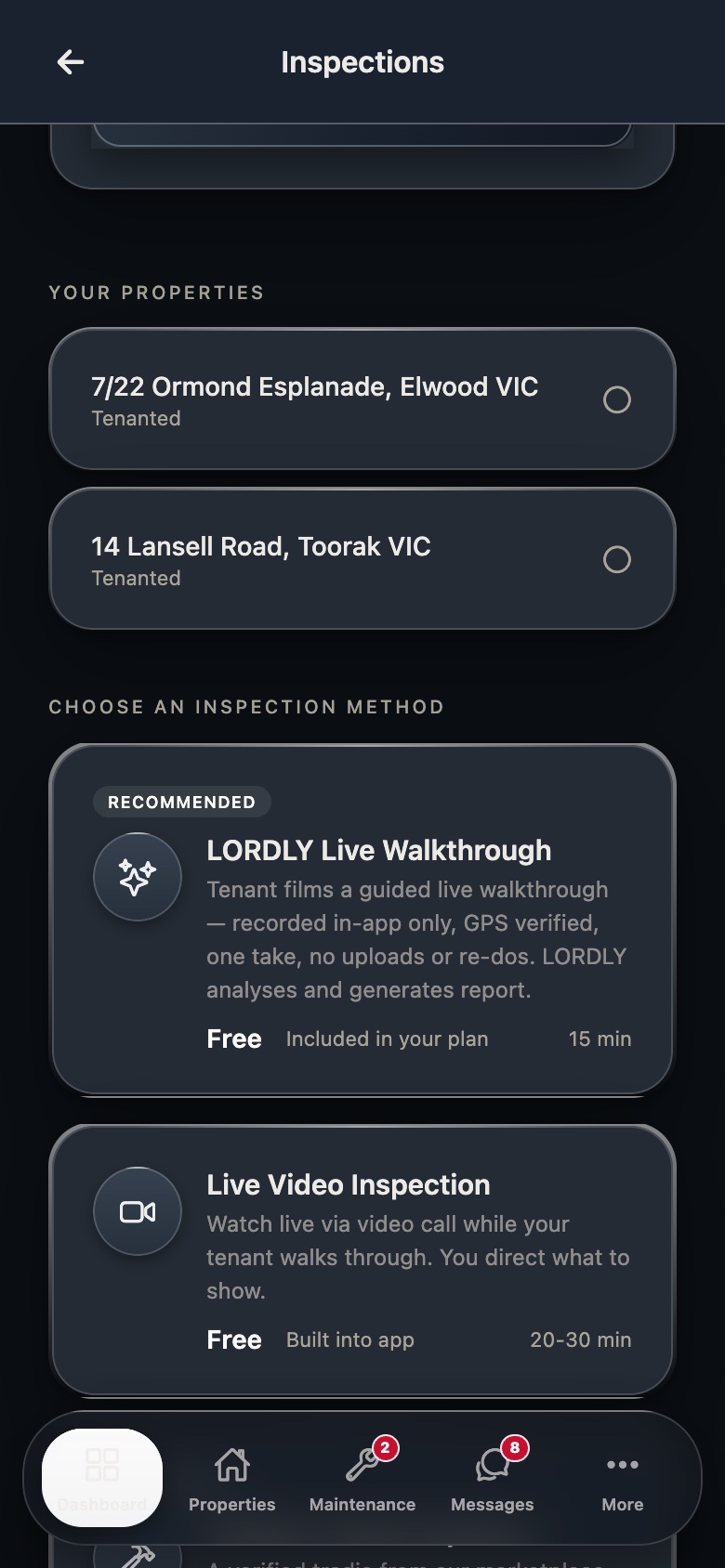
Real LORDLY app screens · demo portfolio shown · yours once signed in.
From start to done.
- 1Start the walkthroughFollow the guided, room-by-room video capture on your phone.
- 2LORDLY builds the reportA timestamped entry, routine or exit condition report is generated automatically.
- 3Routine stays scheduledThe next inspection is set to your state’s cadence and prompts you when due.
- 4Send or storeShare the report with the tenant in a tap; it is filed against the tenancy.
In the app and on the desktop.
- Guided video walkthrough capture
- Entry, routine and exit reports generated for you
- Room-by-room, timestamped evidence
- Send the report to the tenant instantly
- Inspection history and cadence per property
- Compare entry vs exit condition side by side
- Export condition reports as PDF