
End-of-financial-year, already done.
Monthly statements land on their own and your EOFY pack is assembled from real records, accountant-ready.

LORDLY keeps a running income-and-expense picture all year, issues end-of-month statements automatically, and assembles a financial-year tax pack you can hand straight to your accountant. Capital improvements are indexed the day you log them, so nothing deductible slips through the cracks.
The statement writes itself
At the close of each month LORDLY produces a rental income statement from the payments, expenses and fees already recorded, no manual tallying. Over the year those statements roll up into a complete financial-year picture, so June holds no surprises.
Every deduction captured as it happens
Log a repair, an insurance renewal or a capital improvement and LORDLY files it against the right property and category the same day, indexing improvements so depreciation is not forgotten twelve months later. When tax time comes the deductions are already collected, not reconstructed from a shoebox.
Hand it straight to your accountant
The EOFY pack exports as a true PDF with income, expenses and a clear summary, plus an expense schedule and rent ledger as XLSX or CSV. It carries the appropriate disclaimer and is formatted the way accountants expect, so the handover is a single email.
Scan a receipt, skip the data entry
Feed LORDLY a photo of a rates notice, an insurance renewal or a hardware receipt and the AGENT reads the vendor, amount, date and category, then fills the expense form for you. A confidence score sits beside the result and every field is yours to confirm before anything saves. Each expense files into a per-property, per-category ledger across nineteen ATO-aligned headings, from mortgage interest and land tax to repairs and body corporate, so a multi-property portfolio never blurs together. The running total and category breakdown feed the financial-year pack directly, with nothing to re-key come June.
Exactly where it lives.
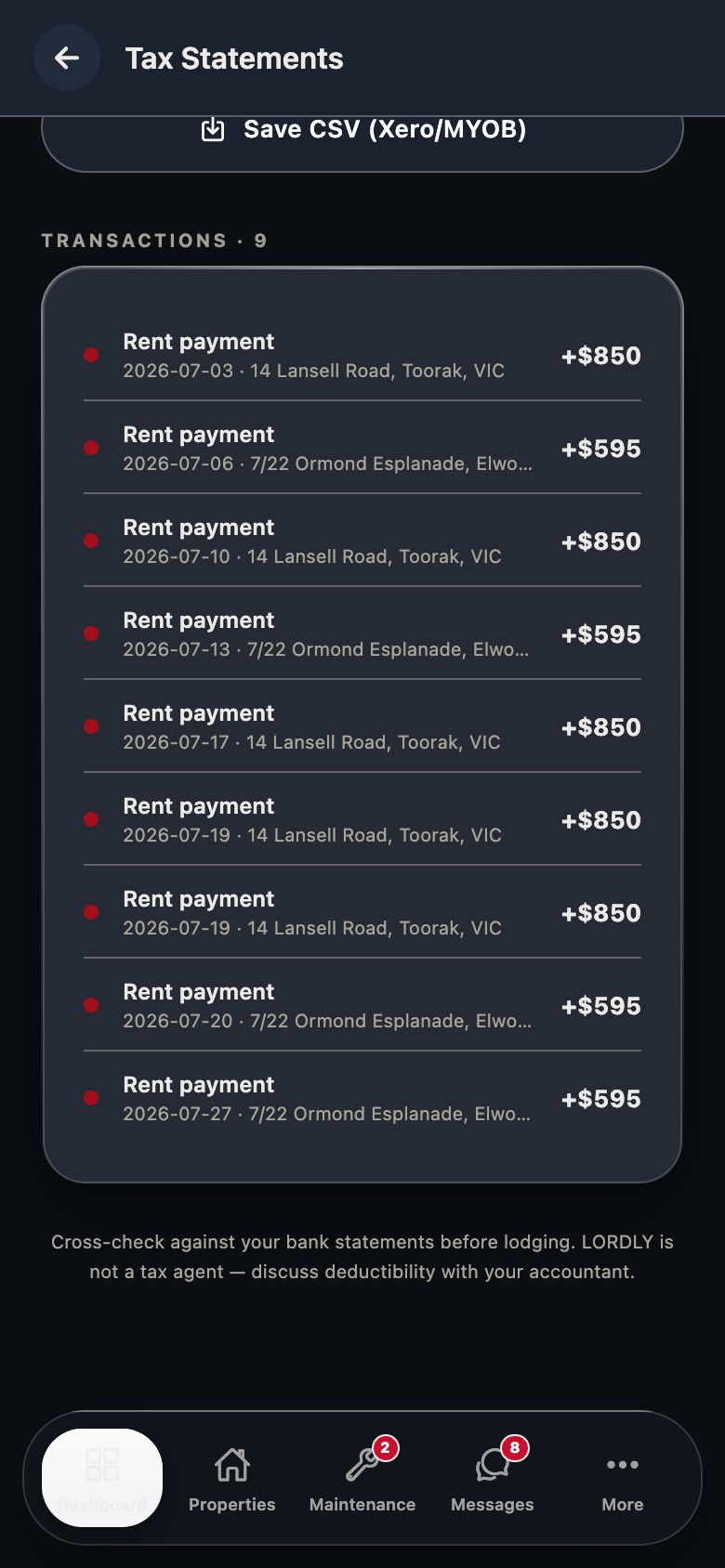
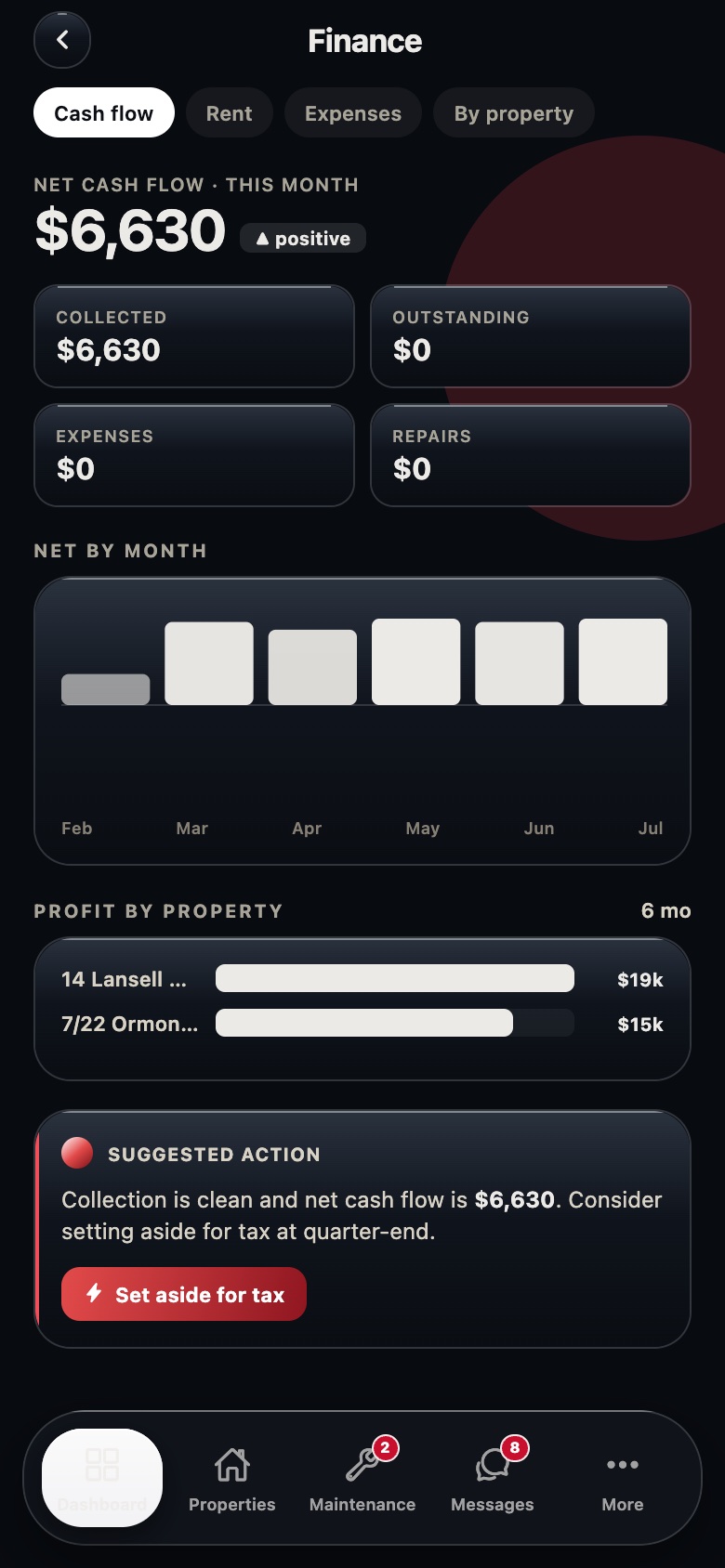
Real LORDLY app screens · demo portfolio shown · yours once signed in.
From start to done.
- 1Record as you goRent, fees and expenses are captured automatically or in a tap throughout the year.
- 2Statements issue monthlyA rental income statement is generated at each month’s close and saved to your documents.
- 3Improvements are indexedCapital works are logged against the property and flagged for depreciation the day you enter them.
- 4EOFY pack assemblesAt year end LORDLY compiles income, expenses and summary into an accountant-ready pack.
- 5Export and sendDownload the PDF tax pack plus supporting XLSX/CSV and forward it to your accountant.
In the app and on the desktop.
- Log an expense or capital improvement in seconds
- Monthly statements saved to your documents vault
- See year-to-date income and deductions any time
- Kick off the EOFY export from your phone
- Scan a receipt: the AGENT autofills vendor, amount, date and category
- Check a property’s indexed CGT cost-base under the 2026/27 reform
- Generate the FY statement as a true PDF
- Expense schedule and rent ledger as XLSX / CSV
- Bulk-download a full document bundle as a ZIP
- Every export written to an audit trail
- Per-property, per-category deduction breakdown you can review before export
- Indexed cost-base line by line: acquisition versus capital improvements, each with its CPI ratio